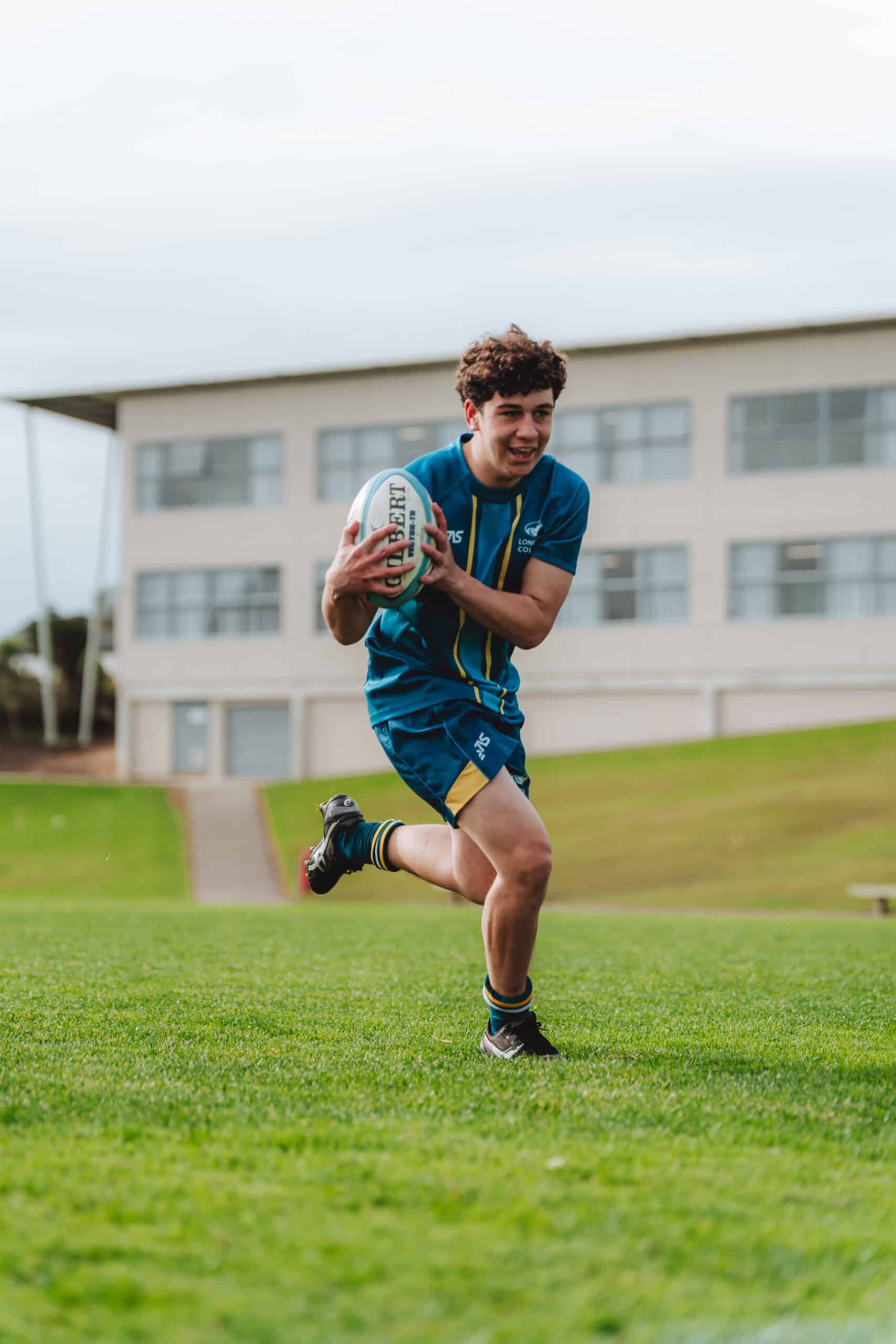
Kindo – How to Register for Sport in 2026
- Visit the Kindo Shop
- Head to the Kindo Shop and select the sport your child would like to participate in.
- Commitment Fee
- A commitment fee will be required as part of the registration process.
- This is a non-refundable amount.
- In some sports codes, the commitment fee may also cover the entire season fee. Details for these codes will be provided at the time of registration.
- For other sports, once trials and team selections are completed, the remaining balance of the fees will be uploaded to your child’s Kindo account.
- Please note: The commitment fee does not cover any additional tournaments or events outside of the regular season. Additional fees for these will be communicated separately if applicable.
- Final Payment
- The remaining fees (if applicable) must be paid before the start of the season.
- One-Day Events
- For individual events such as Athletics Zone Days and Cross-Country Events:
- Expression of interest to participate in these events will be available on Kindo with no payment. Once participants have been confirmed/qualified, items can then be purchased directly through the Kindo Shop as individual item.
- Sports Coordinators will communicate with students who have previously participated in these events.
- Details about these events will also be advertised on the school’s social media platforms.
- Non-Refundable once students have purchased.
- For one-day team-based events:
- The Sports Coordinator will upload the event fees directly to your child’s Kindo account.
- For individual events such as Athletics Zone Days and Cross-Country Events:
- Reminders
- Each term, reminders will be sent out for any unpaid fees.
- Financial Assistance
- If you require financial assistance, please contact Mike Lewis at [email protected]
Kindo Shop